Artography 2
Date
08/05/2027 - 31/07/2027
Time
Saturday
-
Location
New Milton - Fusee House
Course cost
£57.00
Code
211877
01590 625222
Course introduction
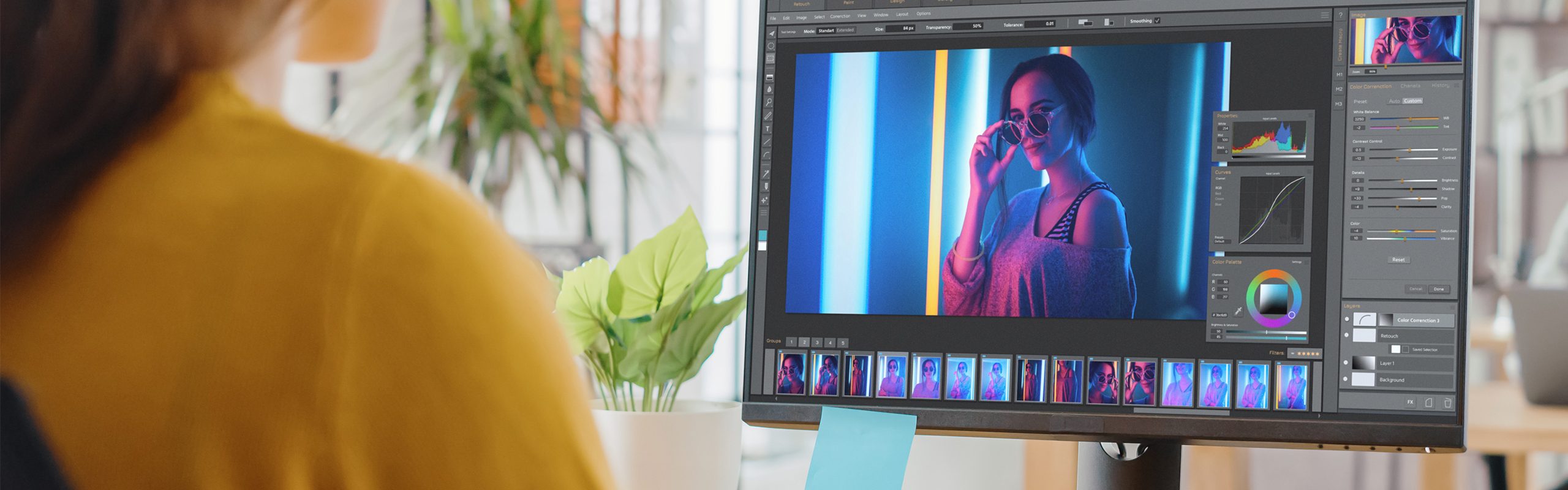
This workshop is all about image editing. Opening single or multiple images into your raw editor of choice, you will use Adobe Camera Raw (ACR) processing for colour and texture, before opening in Photoshop, where most of the editing will take place (as single or multiple layers as appropriate). You will then look at how to stack layers and combine layers using layer opacity and blending modes, along with LUTs and presets. You will also explore texture layers, along with the use of filters from a variety of suppliers. Your workflow will run from the raw image to the finished image resized for web or print. There will be an opportunity to investigate Photoshop’s AI tools as well. Techniques and tools are available in most editors and can be easily transferred to other editing programs. Although knowledge of editing is not a prerequisite, an understanding of layers, masks and blending modes would be an advantage. Editing tools and techniques will be shown through demonstrations. If you are new to image editing, the Getting to know Photoshop Workshop would be a good starting point.
Course information
Please bring a notebook and pen. Please also bring a packed lunch. Additional courses and workshops will be offered throughout the year, giving learners the opportunity to further develop their skills.
Dates & Locations
Code
Location
Date
Cost
Code211877
LocationNew Milton - Fusee House
Date & time
08/05/2027 to 31/07/2027
on a Saturday
Cost£57.00
01590 625222